 ServerAPI
回應格式Response format
成功與失敗使用同一層信封,呼叫端先看 ok 分流即可,內容永遠在 data。
{ "ok": true,  "data": { … }, "meta": { … } }
{ "ok": false, "error": { "status": 404, "message": "…", "path": "…" }, "meta": { … } }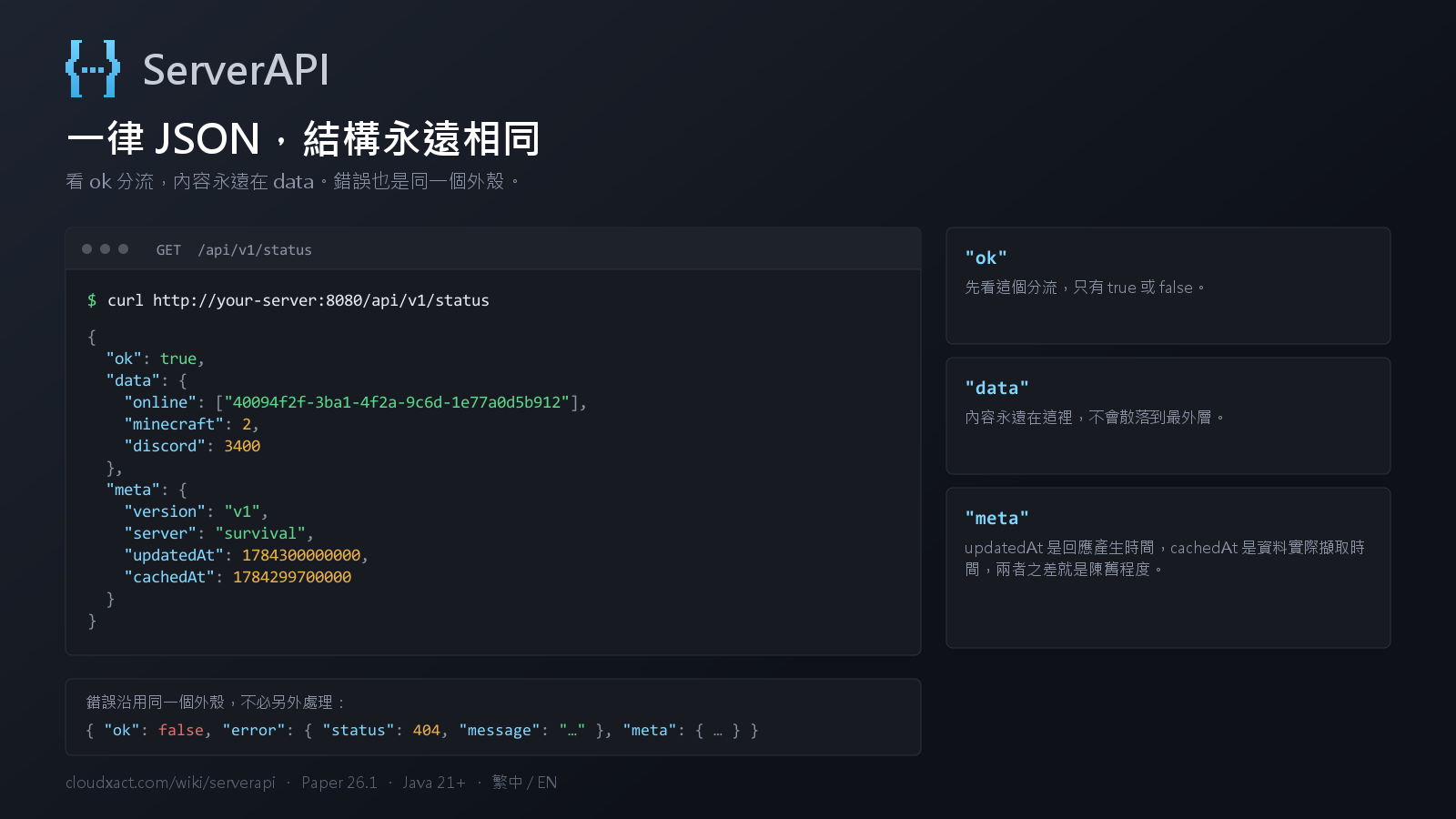
meta 的兩個時間戳
| 欄位 | 出現於 | 意義 |
|---|---|---|
updatedAt | 所有端點 | 本次回應產生的時間 |
cachedAt | 快照端點 | 資料實際擷取的時間 |
updatedAt - cachedAt 就是這份資料的陳舊程度。要「資料真正的時間」請用
cachedAt;快照尚未完成第一次擷取時為 null。
快照間隔
需要主執行緒才安全的資料由主執行緒定期快照,HTTP 請求只讀快取,因此請求量再大也不影響 TPS。
可在 cache 區塊各自調整(單位為 tick,20 tick = 1 秒)。
| 端點 | 預設 | 理由 |
|---|---|---|
status | 5 秒 | 最即時,成本也最低 |
entities | 20 秒 | 需遍歷所有實體,最耗費 |
worlds / gamerules / spawnlimits | 10 分鐘 | 變動慢 |
Success and failure share one envelope. Branch on ok; the payload is always in
data.
{ "ok": true,  "data": { … }, "meta": { … } }
{ "ok": false, "error": { "status": 404, "message": "…", "path": "…" }, "meta": { … } }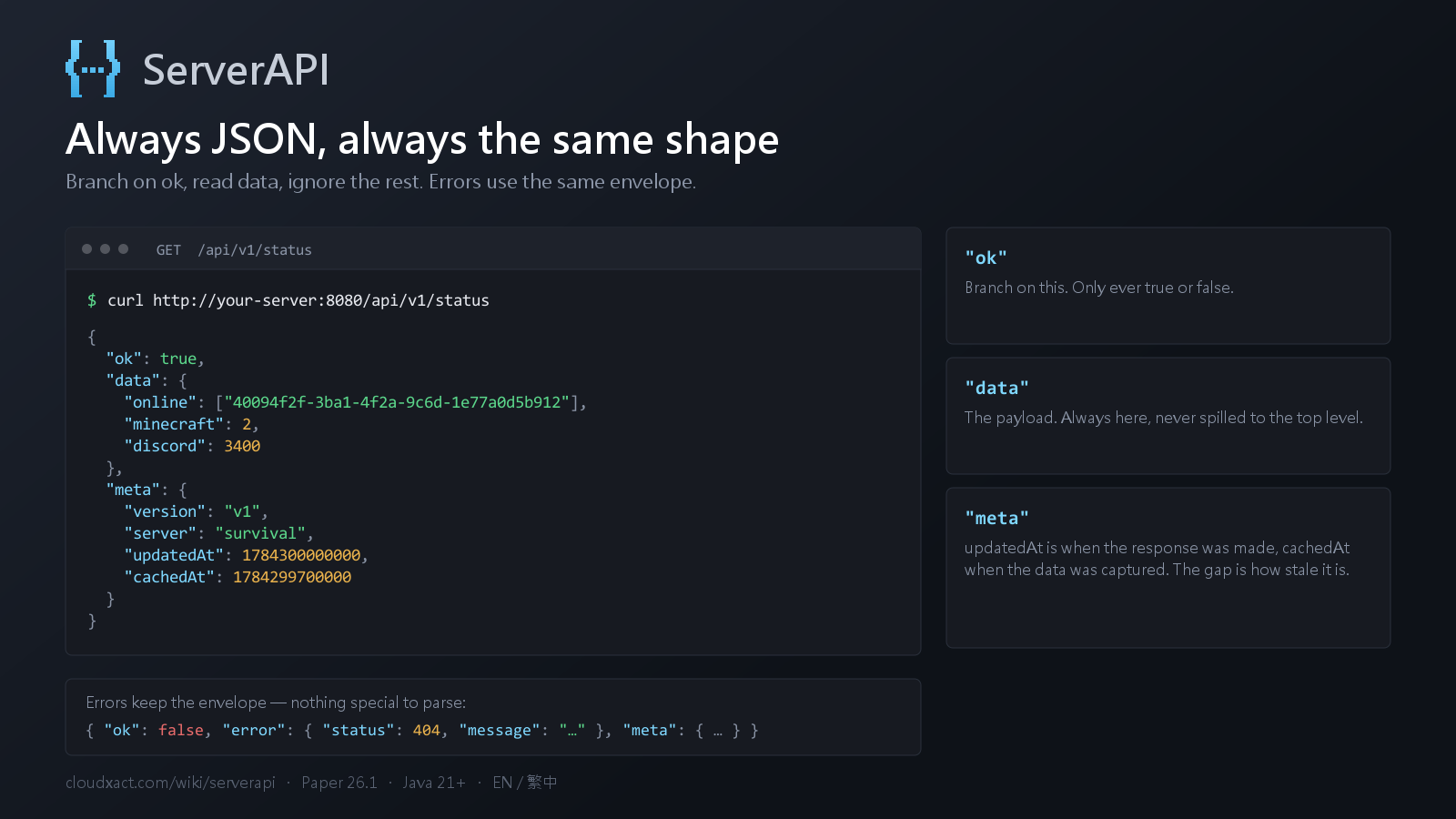
The two timestamps in meta
| Field | Present on | Meaning |
|---|---|---|
updatedAt | every endpoint | When this response was produced |
cachedAt | snapshot endpoints | When the data was actually captured |
updatedAt - cachedAt is how stale the payload is. Use cachedAt for the
real age of the data; it is null until the first snapshot completes.
Snapshot intervals
Data that is only safe to read on the main thread is snapshotted there on a timer, and HTTP
requests only ever read the cache, so traffic cannot drag down TPS. Tune each one in the
cache block (values are in ticks, 20 ticks = 1 second).
| Endpoint | Default | Why |
|---|---|---|
status | 5s | Freshest and cheapest |
entities | 20s | Walks every entity, the expensive one |
worlds / gamerules / spawnlimits | 10m | Rarely change |